
Instrument source once, then arrange collection as a separate step.
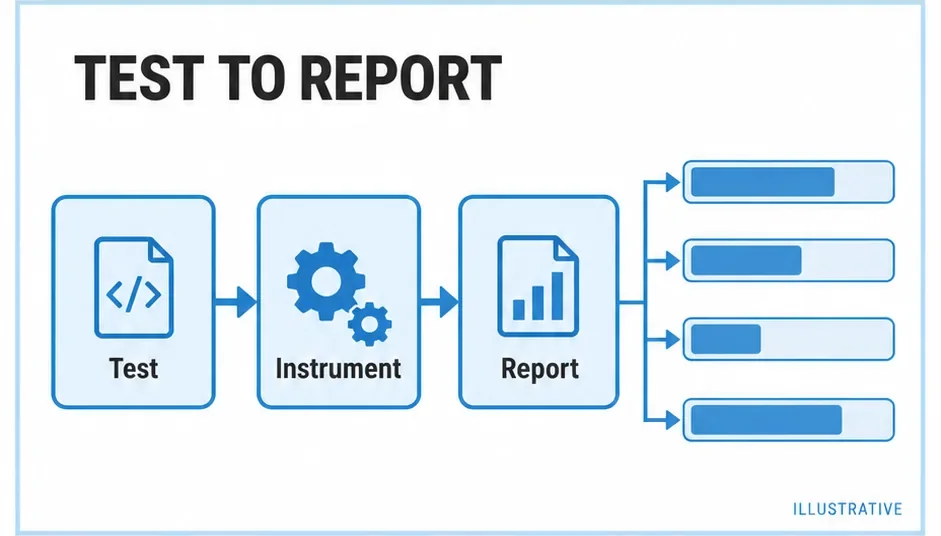
Does nyc intercept the modules, or does your environment need a prepared build? Who saves the counters? Instrumentation inserts measurement code. Executing it, persisting results and rendering reports are additional stages.
Choose the insertion point
| Situation | Instrumentation owner |
|---|---|
| CommonJS tests under nyc | nyc’s runtime interception. |
| Babel-transformed tests | The Istanbul Babel plugin. |
| Device or custom browser harness | A pre-instrumented test build. |
| Runner with built-in coverage | The runner’s chosen provider. |
Combining these blindly can instrument a module twice. Identify the owner in the test configuration and check a small branch before expanding to the whole project.
Prepare source outside the runner
Use a separate output directory, keeping original source available for reports and ordinary builds:
nyc instrument src coverage-buildThis generates source with counters, not a finished report. The harness must execute that output and export the data. For a Node harness using nyc only as collector, disable its instrumentation rather than running both instrumenters.
The nyc README describes maps for pre-instrumented codebases and exclude-after-remap: false. Keep original files and maps together, then verify the remapped file list.
Instrument one file through the API
This CommonJS build-tool example requires istanbul-lib-instrument. It preserves the original absolute filename as coverage identity and writes generated output separately.
instrument.cjs
const fs = require('node:fs');
const path = require('node:path');
const { createInstrumenter } = require('istanbul-lib-instrument');
const filename = path.resolve('src/delivery.cjs');
const original = fs.readFileSync(filename, 'utf8');
const instrumenter = createInstrumenter({ produceSourceMap: true });
const output = instrumenter.instrumentSync(original, filename);
fs.mkdirSync('coverage-build', { recursive: true });
fs.writeFileSync('coverage-build/delivery.cjs', output);
const sourceMap = instrumenter.lastSourceMap();
if (sourceMap) {
  fs.writeFileSync('coverage-build/delivery.cjs.map', JSON.stringify(sourceMap));
}
Your build or reporting integration must associate the map with generated output. Writing a sibling map alone does not configure its consumer.
Use ignore hints narrowly
Istanbul supports /* istanbul ignore next */, /* istanbul ignore if */, /* istanbul ignore else */ and /* istanbul ignore file */ comments. Explain an intentional measurement boundary before applying one. A difficult error path can still deserve a test.
Those hints belong to Istanbul instrumentation. V8 integrations can require different comments, as the Jest and tap guides describe. Whole-file policy belongs in scope and exclusions.
Primary sources
Check official documentation against the tools installed in your project. These explanations and examples are independent.