
Define the measured file scope before choosing a coverage threshold.
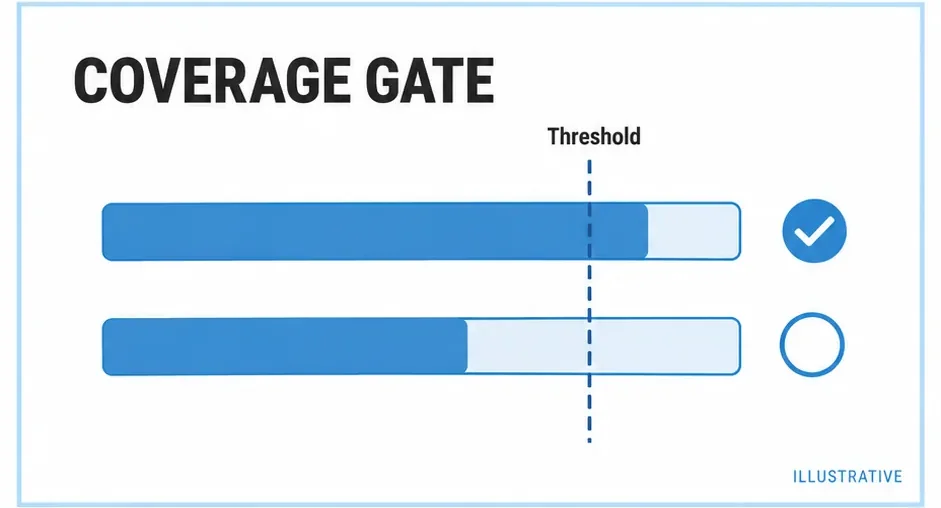
Can an untested module disappear from the denominator? Can a well-covered file hide another? A threshold applies policy to a dataset. nyc's all, include rules and per-file setting determine what that policy can see.
Enable enforcement as well as limits
This configuration includes untouched eligible JavaScript under src and checks illustrative aggregate limits. Adapt the numbers to an explicit project policy.
.nycrc.json
{
  "all": true,
  "include": ["src/**/*.js", "src/**/*.cjs"],
  "check-coverage": true,
  "statements": 85,
  "branches": 80,
  "functions": 85,
  "lines": 85,
  "reporter": ["text", "html"]
}
Run the normal nyc script. Threshold numbers alone do not enable enforcement; check-coverage activates it. A separate nyc check-coverage command can check an already collected dataset.
Choose aggregate or per-file checks
Aggregate checks apply to combined totals. Add "per-file": true to apply checks to each eligible file. Review the actual file list before changing that policy in CI.
| Policy | Question |
|---|---|
| Aggregate limits | Does the measured codebase meet the overall floor? |
| Per-file limits | Does each measured file meet the floor? |
| Watermarks | How should report bands be colored? |
| Assertions | Did a test check the expected behavior? |
Watermarks are display controls. A green band does not establish that a CI rule was enforced. A passing threshold also does not show that assertions would catch an incorrect return value.
Preserve an understandable failure
Run the project's coverage command in the CI development environment, keeping the lockfile and source revision with the run. Artifact retention belongs to the CI configuration: generating HTML and uploading it are separate actions.
When several suites contribute to one gate, collect all intended data before checking that combined policy. A unit-only gate answers a different question from a gate after unit and integration suites.
Diagnose before weakening the rule
| Failure | Next step |
|---|---|
| Tests pass; command fails | Read the failed measure and source scope. |
| New module drops totals | Check whether all exposed untouched code. |
| One file fails | Inspect per-file policy and missing paths. |
| Local and CI disagree | Compare config, provider, paths and cleanup. |
Read the scope guide before adding exclusions to improve a percentage. A useful scope change explains what should be measured, rather than hiding an awkward branch.
Primary sources
Check official documentation against the tools installed in your project. These explanations and examples are independent.