
Use the process tree to check which Node processes nyc observed.
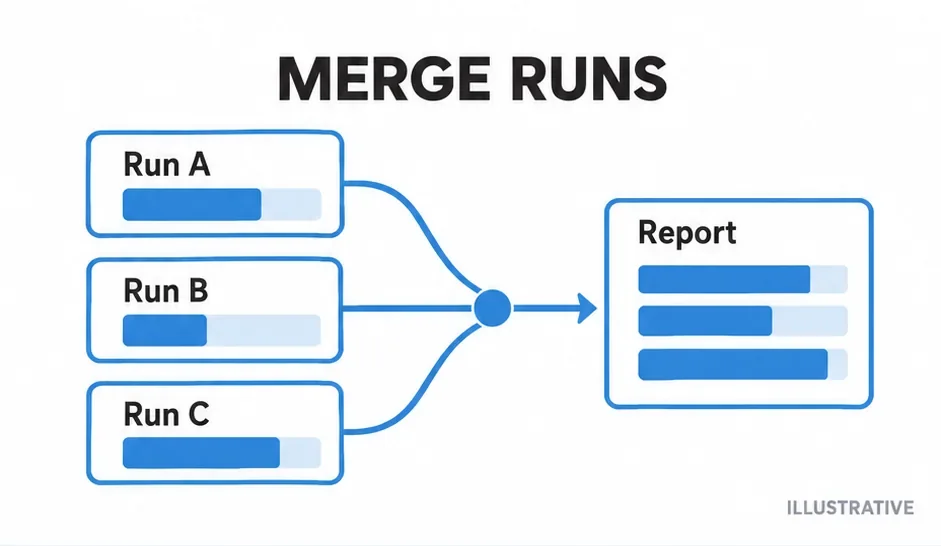
Did the child start beneath the collector? Did a later command clear earlier data? A process tree helps with the first question; cleanup and merge settings answer the second. Both still need a check of the reported application files.
Inspect the wrapper boundary
For a package whose test script invokes the runner without another nyc wrapper:
nyc --show-process-tree npm testThe feature displays Node processes spawned beneath the instrumented command. Compare the tree with your suite architecture. It does not collect counters inside a separate browser; that needs a browser bridge.
A listed process proves a relationship, not that every module was measured. Check loading, source paths and exclusions when a child appears but its application does not.
Preserve earlier data across sequential runs
Here, test:unit and test:integration run tests without invoking nyc. The first run starts the dataset, the second preserves it, and reporting happens last. These commands run sequentially.
package.json (script fragment)
{
  "scripts": {
    "coverage:unit": "nyc --silent npm run test:unit",
    "coverage:integration": "nyc --silent --no-clean npm run test:integration",
    "coverage:report": "nyc report --reporter=text --reporter=html",
    "coverage": "npm run coverage:unit && npm run coverage:integration && npm run coverage:report"
  }
}
Do not carry stale files into unrelated runs. Keep revision, transforms and policy consistent. A per-suite threshold can fail before another suite contributes; configure the gate at the intended aggregation boundary.
Choose a report or a merged map
nyc report renders collected files. nyc merge creates one raw map for another consumer:
nyc merge .nyc_output combined-coverage.jsonThe merged JSON is not an HTML report. Do not combine results by adding percentages or concatenating JSON. Use map merging when a custom pipeline needs explicit control.
Separate distributed writers
Give parallel CI jobs separate raw-data directories. After completion, gather compatible JSON snapshots into a fresh aggregate directory with distinct filenames. Render after collection finishes and the source checkout is aligned.
| Symptom | Inspect |
|---|---|
| Second suite replaces first | Cleanup and --no-clean. |
| Child absent from tree | Where and how it starts. |
| Duplicate source rows | Cross-job roots and maps. |
| Unexpectedly complete result | Stale data from an earlier run. |
Identify which suites supplied the dataset before interpreting the combined percentages.
Primary sources
Check official documentation against the tools installed in your project. These explanations and examples are independent.