
Save the detailed coverage object before trying to generate a report.
Do you have per-file counters, summary totals or V8 ranges? Do their paths identify the same source revision? Istanbul reporting needs its coverage-map format. A summary percentage or arbitrary JSON file cannot replace that map.
Capture the right data
For an Istanbul-instrumented browser page, the conventional object is window.__coverage__. Retrieve it after measured actions and before closing the page. A Node controller cannot read a browser global without a bridge.
Save snapshots as separate JSON files under .nyc_output in the matching checkout. Then render them with:
nyc report --reporter=text --reporter=htmlKeep summaries and unrelated JSON out of the directory. A V8 collector needs its documented conversion route before Istanbul tools can consume its data.
Render through the reporting libraries
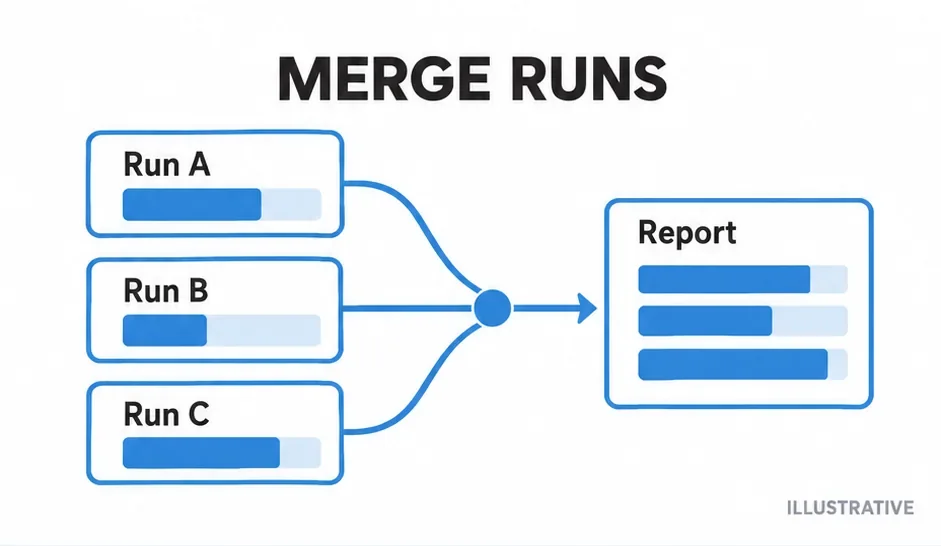
This CommonJS example expects two Istanbul maps from the same source revision. Install istanbul-lib-coverage, istanbul-lib-report and istanbul-reports as development dependencies.
report.cjs
const fs = require('node:fs');
const { createCoverageMap } = require('istanbul-lib-coverage');
const { createContext } = require('istanbul-lib-report');
const reports = require('istanbul-reports');
const map = createCoverageMap({});
for (const filename of ['run-a.json', 'run-b.json']) {
  map.merge(JSON.parse(fs.readFileSync(filename, 'utf8')));
}
const context = createContext({
  dir: 'coverage-combined',
  coverageMap: map
});
for (const format of ['text-summary', 'html']) {
  reports.create(format).execute(context);
}
Use the map merge operation rather than spreading objects together. A spread can replace a file entry and lose earlier counters. The reporting context supplies the output directory and map; reporters execute against that context.
Preserve paths and location maps
A detailed file object relates source locations to statement, function and branch counts. Keep those relationships intact during transport. Different revisions or incompatible instrumentation can give the same filename a different measured structure.
Resolve path mismatches before interpreting combined results. Do not add percentages from separate summaries; combine compatible counters and calculate a report from them.
Trace empty or duplicated results
| Symptom | Inspect |
|---|---|
| No coverage object | Instrumented source and its execution. |
| JSON parses; reporting fails | Map versus summary or V8 format. |
| One module has two rows | Root paths and source mapping. |
| Highlights show wrong code | Source revision and transform maps. |
For sequential CLI runs, read collection and merging. If source has no counters, start with instrumentation.
Primary sources
Check official documentation against the tools installed in your project. These explanations and examples are independent.