
Plan how counters leave the device before instrumenting an IoT.js build.
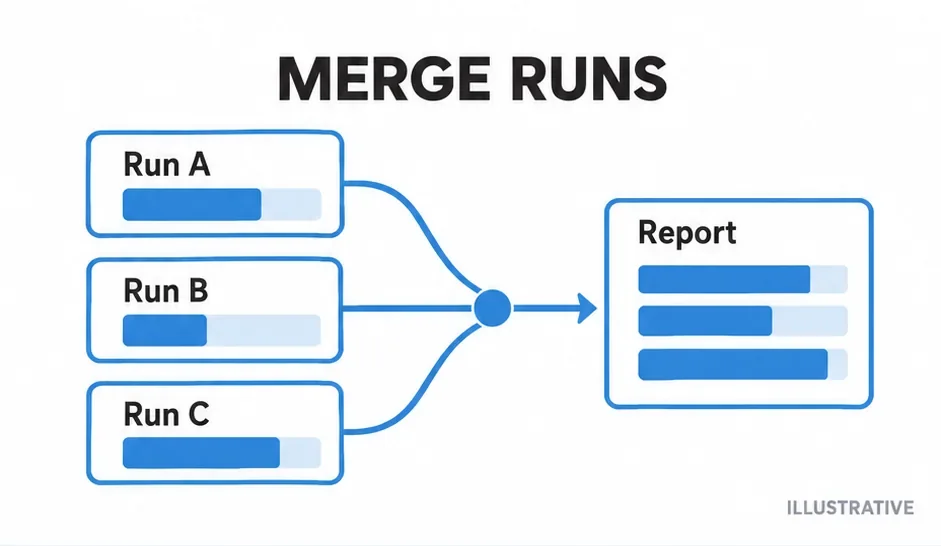
Can the target persist JSON? Will its filenames match source on your host? The official recipe splits the work: nyc instruments on the development machine, the target executes that output, and the host renders saved counters. Validate this pattern against your runtime rather than assuming current package compatibility.
Use a separate instrumented tree
Prepare a disposable test build instead of replacing the only source copy. This host command assumes a local nyc installation:
nyc instrument src coverage-buildBuild or package the generated files using your established target procedure. Instrumentation adds counters; it does not provide missing language features or Node APIs. Run a small generated module on the device before attempting a complete suite.
Export before the runtime disappears
The target must serialize its Istanbul coverage object after the test actions finish. The older official recipe uses an exit handler and synchronous filesystem writing. Verify those APIs on your device; forced shutdown can bypass normal exit handling.
This ES5-style adapter illustrates the boundary. Your harness supplies a persistence function using a verified target API. It does not assume globalThis, a particular buffer API or a device filesystem.
function exportCounters(coverage, writeText) {
  if (!coverage) throw new Error('Coverage counters are missing');
  writeText(JSON.stringify(coverage));
}
// After tests, provide the runtime coverage object
// and a verified target-specific persistence function.
Retrieve a distinct JSON snapshot for each completed run. Preserve source paths and keep different source revisions separate. A JSON file proves serialization happened; inspect its file entries before assuming all expected modules were measured.
Render on the host
Place only retrieved Istanbul coverage maps in device-coverage. Run the report in a checkout matching the files used during instrumentation.
nyc report --temp-dir=device-coverage --reporter=text --reporter=htmlIf paths differ between host and device, inspect the JSON keys before rendering. Use the raw-object guide to distinguish detailed maps from summary totals.
Check each runtime boundary
| Failure | Useful check |
|---|---|
| No exported JSON | Persistence API, exit path and write location. |
| No counters | The target executed the instrumented build. |
| Source cannot be found | Host paths and exact source revision. |
| Generated code fails | Target syntax and available APIs. |
This is a host/target workflow explanation, not a claim about IoT.js maintenance status or compatibility with a particular package release. Keep that check in the target environment.
Primary sources
Check official documentation against the tools installed in your project. These explanations and examples are independent.